Compress Image Online

Reduce the file size of your JPEG, PNG, and WebP images while maintaining the best possible quality for the web.

Select Image to Compress

Drag & drop your files here or click to browse

Supports JPG, PNG, WebP (Max 5MB)

70%
Smallest File Highest Quality

Compress Image Online – Reduce File Size Without Losing Quality

Make your image files smaller, faster to share, and easier to store with our free online Compress Image tool. Reduce bulky JPEGs, PNGs, and WebPs into lightweight files perfectly sized for email attachments and web uploads.

Whether you need to shrink heavy photography, high-res graphic portfolios, or large web assets, our tool balances maximum compression with optimal visual fidelity—all from directly within your browser.
Compress Image Online Tool
Features of Compress Image Tool

Why Use Our Compress Image Tool?

  • Optimized Quality – Shrink files without visible pixelation
  • 100% Free – No hidden charges or watermarks
  • Secure Processing – Runs completely in your browser
  • Fast & Easy – Compress in milliseconds
  • No Installation Required – Works instantly
  • Improve Core Web Vitals – Perfect for boosting website performance

How to Compress an Image File

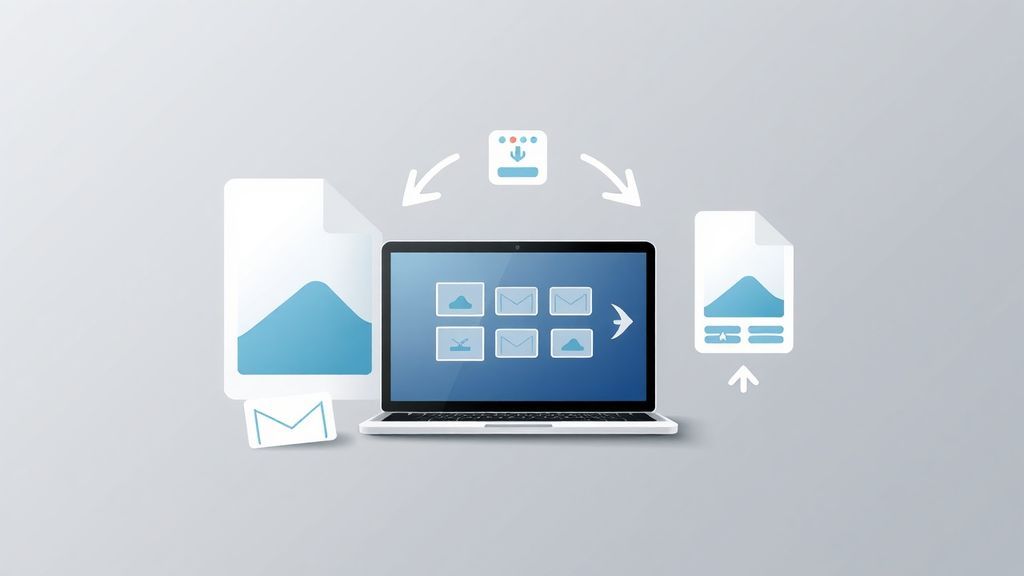
  1. Click the Upload Zone or drag and drop your photo.
  2. Select the heavy image document from your device (JPG, PNG, WebP).
  3. Adjust the Compression Quality slider to find your preferred balance.
  4. Click Compress Now, and wait briefly as our tool optimizes the image.
  5. Click Download Compressed Image to save the optimized file.

Start boosting your site speed by shrinking your images today!

Steps to compress Image

Practical Use Cases for Compressing Images

Optimized images make digital communication smoother and web pages significantly faster. Here are some of the most common reasons users shrink their photos:

Website SEO

Search engines prioritize sites that load quickly. Smaller images are the #1 way to boost loading performance.

Email Attachments

Most email providers cap attachments at 25MB. Compression allows you to send multiple high-quality photos in a single email.

Save Hard Drive Space

Archiving years of family photos or massive RAW exports? Shrink them for cold storage to save valuable GBs.

Social Media Splitting

Many social media or messaging platforms reject photos that are simply too large. Shrink them down for easy sharing.

Pro Tips & Troubleshooting

  • Why didn't my file shrink drastically? If your image is already web-optimized, or was exported at a low quality originally, our tool will notify you that it's already optimized.
  • Balancing Quality vs Size: We default to 70% compression which offers the best mix of size reduction while remaining visually identical to the original.
  • Browser Capability: Our compression tech utilizes the incredible hardware acceleration built right into your modern browser, making it wildly efficient.
Image Compression Tips

Core Benefits of Image Compression

  • Respects Bandwidth: Mobile users on 3G/4G connections will thank you for smaller file sizes.
  • Improves User Experience: Websites loaded with heavy images will cause annoying layout shifting (CLS) and screen stutters.
  • Server Costs: If you run a site, reducing total asset sizes drastically lowers your monthly CDN/hosting bandwidth bills.

Total Photographic Privacy

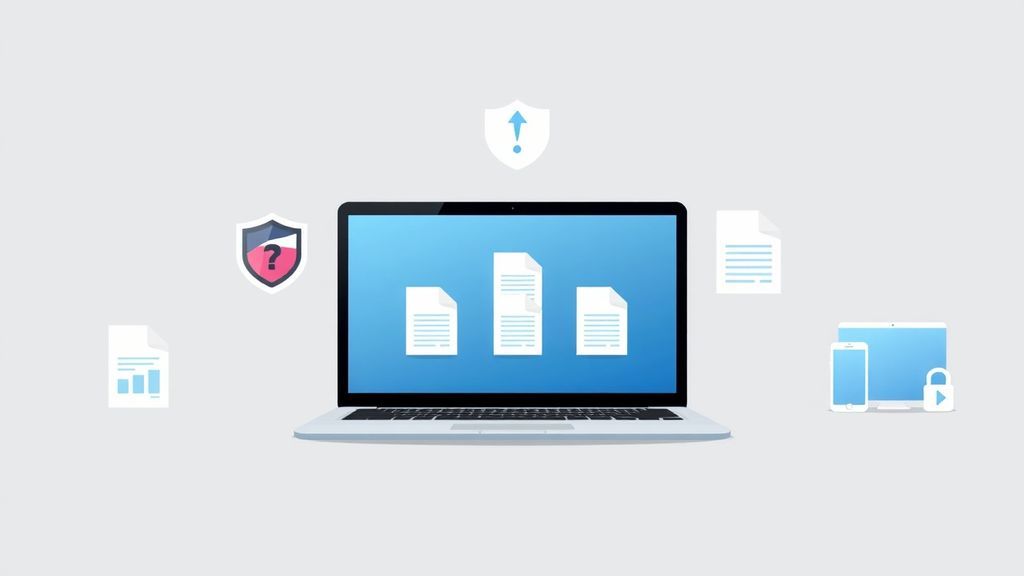
Don't trust traditional cloud compressors with your personal family photos or unreleased business assets. Our tool uses advanced HTML5 canvas to optimize your image directly within your web browser. This guarantees your private imagery never leaves your physical device and never touches our servers.

Frequently Asked Questions

Everything you need to know about reducing Image file sizes securely.

Not unless you set the quality slider excessively low! Sellooo uses smart scaling down to discard invisible color data without heavily disrupting edges or details. At our recommended 70-80% settings, the loss is virtually imperceptible to the human eye.

Yes! If you upload a PNG with a transparent background, the tool will try its best to retain that alpha channel through the final output assuming it's supported by the image format you choose.

Yes! Because our integration utilizes local browser processing via the HTML Canvas API, the file optimization happens completely offline on your device. We do not upload, scan, or log any images.

Explore More Features

Looking to optimize your documents instead of your pictures? Try our Compress PDF tool or explore the rest of our suite at sellooo.com to simplify your digital workflows.