Compress PDF Online

Reduce the file size of your PDF documents while keeping the best quality. Optimized for web sharing and email attachments.

Select PDF to Compress

Drag & drop your PDF file here or click to browse

Choose Compression Level

Optimizing your PDF...

This happens entirely in your browser. Your data never leaves your computer.

PDF Optimized Successfully!

Original Size

-

Compressed Size

-

Compress another PDF

Compress PDF Online – Reduce File Size Without Losing Quality

Make your PDF files smaller, faster to share, and easier to store with our free online Compress PDF tool. Reduce bulky documents into lightweight files perfectly sized for email attachments and web uploads.

Whether you need to shrink heavy presentations, photo-rich portfolios, or large scanned forms, our tool balances maximum compression with optimal viewing quality—all from directly within your browser.
Compress PDF Online Tool
Features of Compress PDF Tool

Why Use Our Compress PDF Tool?

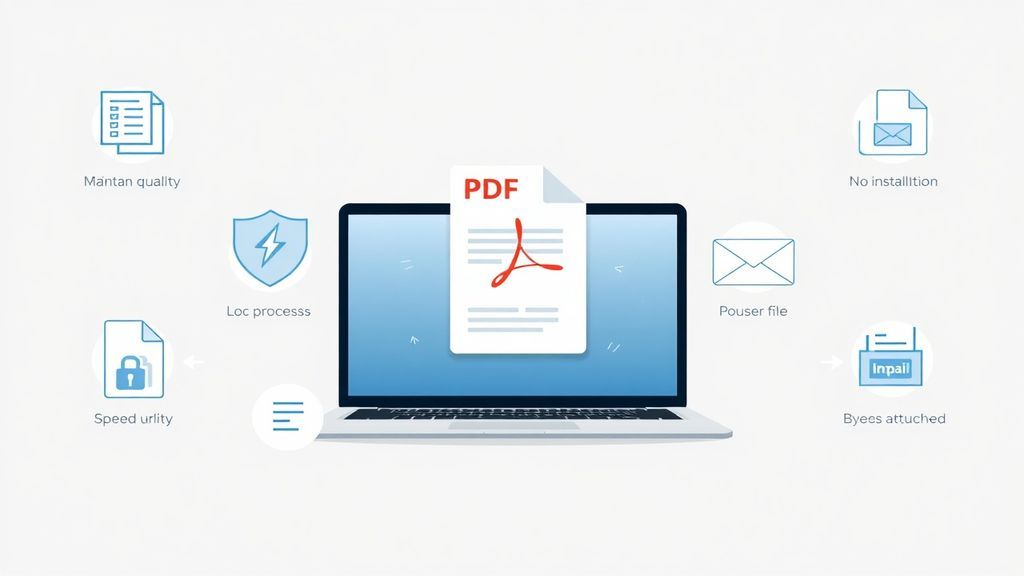
  • Optimized Quality – Shrink files without blurring text
  • 100% Free – No hidden charges
  • Secure Processing – Runs locally in your browser
  • Fast & Easy – Compress in seconds
  • No Installation Required – Works instantly
  • Bypass Size Limits – Perfect for email attachment rules

How to Compress a PDF File

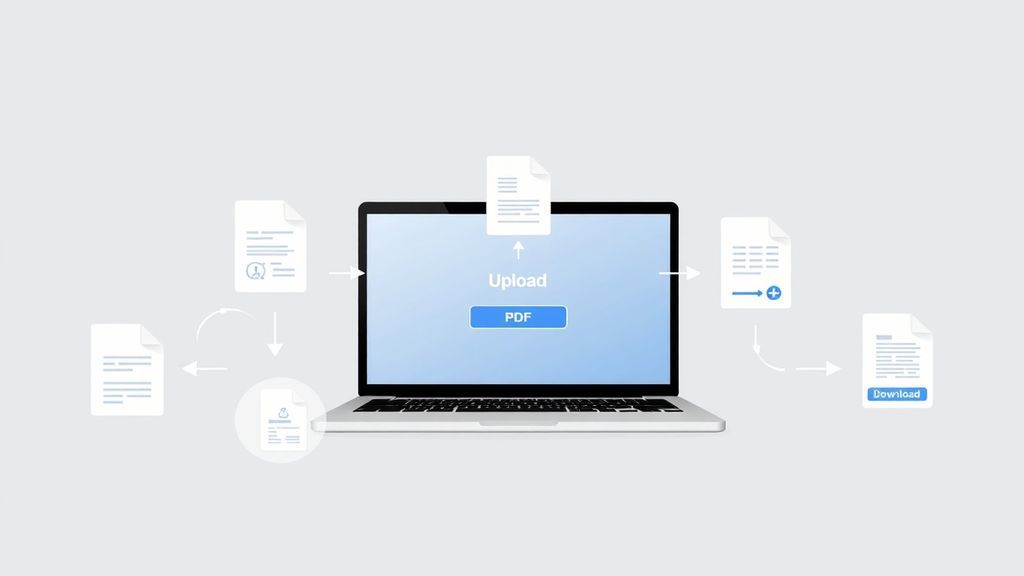
  1. Click the Upload Zone or drag and drop your file.
  2. Select the heavy PDF document from your device.
  3. Wait momentarily as our tool analyzes and optimizes the file structure locally.
  4. Review your space savings on the success dialog.
  5. Click Download Compressed PDF to save the optimized file.

Avoid email bounce-backs by shrinking your PDFs today!

Steps to compress PDF

Practical Use Cases for Compressing PDFs

Optimized files make digital communication smoother. Here are some of the most common reasons users shrink their PDFs:

Email Attachments

Most email providers cap attachments at 25MB. Compression ensures your reports and invoices deliver successfully without bouncing.

Faster Web Uploads

Applying for jobs or uploading documents to an online portal? Web portals often have strict file size constraints.

Save Hard Drive Space

Archiving years of scanned financial records or bulky eBooks? Shrink them first to save valuable GBs of local storage.

Mobile Viewing

Large files take longer to open and consume significant mobile data. Optimized PDFs load fast on any phone or tablet.

Pro Tips & Troubleshooting

  • Why didn't my file shrink drastically? If your PDF is mainly text-based, or was already optimized by the software that created it, our tool may preserve the current size to prevent quality loss.
  • Best for Scans & Images: PDFs with high-resolution images or scanned pages will see the most dramatic reduction in file size.
  • Browser Limits: Because we process the compression locally on your device for absolute privacy, extremely large files (e.g. over 150MB) may slow down your browser tab momentarily.
PDF Compression Tips

Core Benefits of File Compression

  • Respects Bandwidth: Quicker to upload and faster for your recipient to download.
  • Improves SEO: If you host PDFs on a website, smaller files improve page load speeds.
  • Future-proof Storage: Keep your cloud storage and local drives uncluttered.

Browser-Side Exclusivity

Many compressors upload your private documents to cloud servers. Our tool uses advanced JavaScript to optimize your file directly within your web browser. This ensures your data remains 100% private and never touches our servers.

Frequently Asked Questions

Everything you need to know about reducing PDF file sizes securely.

Our tool balances file restructuring to reduce bloat without sacrificing quality. Text will remain razor sharp. Heavy images are carefully optimized, so your document stays highly legible and professional.

Yes! Because our integration utilizes local browser processing, the file optimization happens right on your device. Your sensitive data is never uploaded, transferred, or stored remotely.

Absolutely. The compressor runs in any modern browser. Just upload your PDF from your mobile file manager and download the shrunk version directly back to your device. No mobile app download required.

Explore More Features

Looking to combine several documents or pull out a specific page? Check out our Merge PDF tool or explore the rest of our suite at sellooo.com to simplify your workflow.