Merge PDF Files

Combine multiple PDF documents into a single file in seconds. Drag files to reorder them before merging.

Select PDF Files to Merge

Drag & drop your PDFs here or click to browse

Files to Merge (0)

Merge PDF Online – Combine Multiple PDFs into One File

Easily merge multiple PDF files into a single document with our free online Merge PDF tool. No software installation, no registration, and no watermarks. Just upload your files, arrange them in the desired order, and download your combined PDF instantly.

Whether you need to combine reports, invoices, scanned documents, or study materials, this tool makes PDF merging fast, secure, and hassle-free.

Merge PDF Online Tool
Features of Merge PDF Tool

Why Use Our Merge PDF Tool?

  • 100% Free – No hidden charges
  • Secure Processing – Your files are automatically deleted after processing
  • Fast & Easy – Merge files in seconds
  • No Installation Required – Works directly in your browser
  • Mobile Friendly – Use it on desktop, tablet, or mobile
  • Unlimited Merges – Combine as many PDFs as you need

How to Merge PDF Files Online

  1. Click the Upload Files button
  2. Select multiple PDF documents from your device
  3. Arrange the files in the correct order
  4. Click Merge PDF
  5. Download your combined PDF file instantly

No technical skills required – the process takes less than a minute.

How to merge PDF steps

Practical Use Cases for Merging PDFs

Every day, thousands of professionals and students rely on our tool to simplify their document management. Here are just a few ways combining PDFs can make your life easier:

Academic Projects

Combine your title page, research paper, diagrams, and bibliography into a single master document before submitting it to your professor.

Legal & Financial

Merge scanned receipts, bank statements, and tax forms into one cohesive PDF for your accountant or company expense report.

Job Applications

Stand out by turning your separate cover letter, resume, and portfolio samples into one neat, professional application package.

Easy Printing

Instead of opening and printing 15 different files individually, merge them together and send just one continuous job to your printer.

Pro Tips & Troubleshooting

Ensure a smooth merging experience with these quick tips:

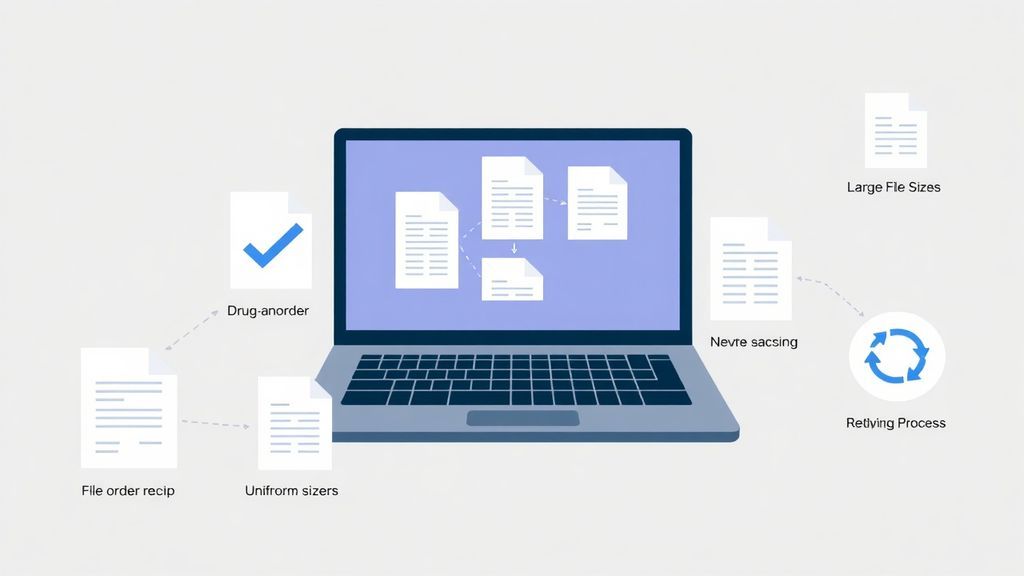
  • Check File Order: Before clicking "Merge", carefully review the sequence of your files. Simply drag and drop the file cards to reorder them as needed.
  • Uniform Dimensions (Optional): While our tool handles varying page sizes effortlessly, printing works best if your source PDFs share similar dimensions (like A4 or US Letter).
  • Troubleshooting 'Stuck' Merges: Because processing happens in your browser, extremely large files might take a few moments. If the process freezes, try refreshing the page or merging in smaller batches.
PDF merging tips

Core Benefits of Merging PDF Files

  • Decluttered Workspaces: Keeps your folders and desktop organized.
  • Streamlined Sharing: Email one attachment rather than ten.
  • Prevents Document Loss: Reduces the chance of missing a page or file.
  • Creates Professional Context: Presents a complete story in a single document.

Uncompromising Privacy & Security

Unlike other online PDF tools that upload your sensitive documents to remote servers, Sellooo processes your files locally using JavaScript. Your data never leaves your device. This guarantees 100% confidentiality, making it safe for legal contracts, medical records, and financial statements.

Frequently Asked Questions

Find detailed answers to common questions about merging PDF files, compatibility, and data security.

Yes, Sellooo's Merge PDF tool is completely free. There are no paywalls, no hidden subscription fees, and no "pro" features you have to unlock. We believe essential document utilities should be accessible to everyone without cost barriers.

Your privacy is our highest priority. The merging process runs strictly locally inside your web browser using modern WebAssembly and JavaScript technologies. This means your PDF files are never uploaded to our servers. When the merge is complete, the file is generated directly on your machine.

Absolutely. After you upload your files, they will appear in a list below the upload zone. You can simply click, hold, and drag any file to move it up or down the list. The final combined PDF will follow the exact order you set from top to bottom.

Because processing happens on your local device, the only limit is your computer's memory (RAM). You can generally merge dozens of files and hundreds of pages simultaneously without any issues. If you are attempting to merge exceptionally large files (e.g., several gigabytes), you may want to merge them in smaller batches.

Yes! Our tool is entirely web-based and fully responsive. It works flawlessly on any modern web browser safely installed on Windows, macOS, Linux, iOS (iPhone/iPad), and Android devices without requiring any app installations.

No. The merging process strictly copies the exact data from your original PDF files to the new combined file. All images, text formatting, layouts, and vector graphics will retain 100% of their original quality without any compression or degradation.

Explore More Features

Looking to extract pages or shrink a massive file? After merging, you might want to explore our Compress PDF tool or check out the rest of our suite at sellooo.com to simplify your workflow.

Merging your PDFs...

This happens localy in your browser for maximum privacy.