Password Generator

Instantly generate a strong and secure random password.

Password Generator – Create Strong, Secure Passwords Instantly

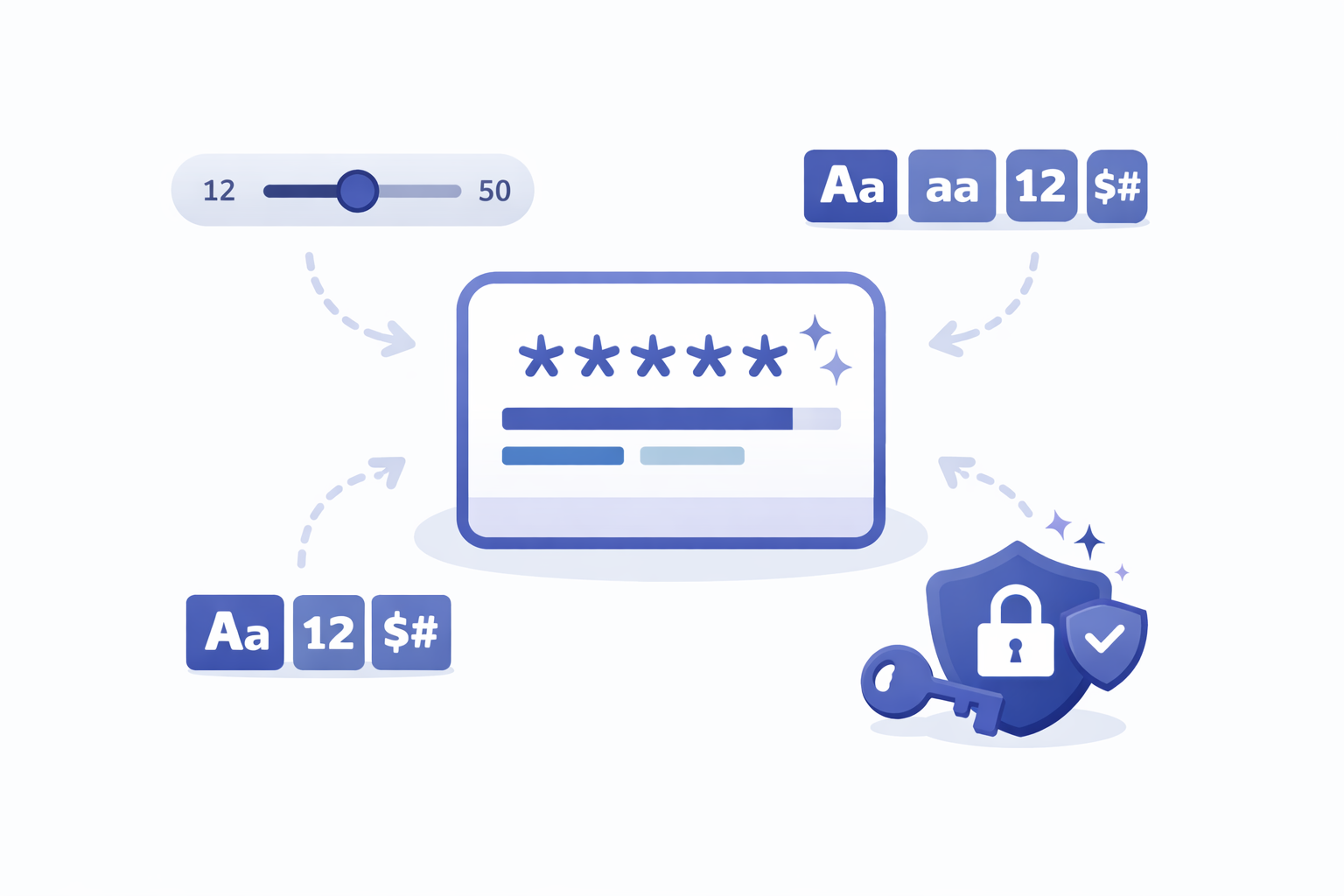
Generate random, secure passwords with our free online Password Generator tool. No software installation, no registration, and no data storage. Simply customize your preferences and get strong, unique passwords instantly.

Whether you need a password for your email, social media accounts, banking, or any online service, this tool lets you customize length, include numbers, symbols, and uppercase letters to create unbreakable passwords that protect your digital life.

Password Generator Online Tool
Features of Password Generator Tool

Why Use Our Password Generator?

  • 100% Free – No hidden charges or premium tiers
  • Privacy First – All passwords are generated locally; nothing is stored or transmitted
  • Fully Customizable – Set length, include uppercase, lowercase, numbers, and special symbols
  • No Installation Required – Works directly in your browser
  • Mobile Friendly – Generate passwords on desktop, tablet, or mobile
  • One-Click Copy – Copy passwords to clipboard instantly with a single click

How to Use Our Password Generator

  1. Select your desired password length (default is 12 characters)
  2. Choose which character types to include: uppercase, lowercase, numbers, and symbols
  3. Click the "Generate Password" button
  4. Review your generated password for strength
  5. Click the copy icon to save it to your clipboard
  6. Use it immediately or generate another until you find the perfect one

No technical skills required – the process takes just seconds.

How to use password generator steps

Practical Use Cases for Our Password Generator

Every day, thousands of users rely on our tool to create strong passwords and protect their online accounts. Here are just a few ways our password generator can enhance your security:

Email Accounts

Create unique, strong passwords for your primary and secondary email accounts to prevent hacking and protect sensitive communications.

Banking & Finance

Generate complex passwords for online banking, investment platforms, and payment apps to keep your financial data secure from cyber threats.

Social Media

Protect your Facebook, Instagram, Twitter, and LinkedIn accounts with strong, unique passwords that can't be easily guessed or cracked.

Cloud Services

Secure your Google Drive, Dropbox, iCloud, and other cloud storage accounts where your most important files and photos live.

Pro Tips & Best Practices

Create unbreakable passwords with these security tips:

  • Length Matters: Use at least 12-16 characters. Longer passwords are exponentially harder to crack. Our generator supports up to 50 characters for maximum security.
  • Include All Character Types: For maximum strength, always include uppercase letters, lowercase letters, numbers, AND special symbols. This creates maximum entropy.
  • Never Reuse Passwords: Generate a unique password for every account. If one service gets breached, your other accounts remain safe. Use a password manager to store them.
Password generator tips and best practices

Core Benefits of Using a Password Generator

  • Maximum Security: Create truly random passwords that can't be guessed by humans or cracked by automated tools.
  • Save Time: Stop struggling to think of "creative" passwords. Generate strong ones instantly with zero mental effort.
  • Meet Requirements: Easily create passwords that satisfy any website's complexity requirements (length, uppercase, numbers, symbols).
  • Peace of Mind: Sleep better knowing your accounts are protected by mathematically strong passwords.

Complete Privacy – Passwords Generated on Your Device

Unlike online tools that may store or transmit your passwords, Sellooo's Password Generator works entirely in your browser using JavaScript. Your passwords are generated locally, never leave your device, aren't stored anywhere, and remain completely confidential. No servers, no logs, no tracking.