Online Image Converter

Convert your images to JPG, PNG, or WebP instantly. Simple, fast, and high-quality format conversion tool.

Select Image to Convert

Drag & drop or click to browse (JPG, PNG, WebP)

90%

Convert Image Online – Change Formats Without Losing Quality

Make your image files fully compatible, transparent, or web-optimized with our free online Convert Image tool. Change formats between JPEGs, PNGs, and WebPs flawlessly for email attachments, printing, and web uploads.

Whether you need to convert heavy photography to WebP, add transparency via PNG, or standardize web assets to JPG, our tool balances format flexibility with optimal visual fidelity—all from directly within your browser.


Convert Image Online Tool
Features of Convert Image Tool

Why Use Our Convert Image Tool?

  • Universal Compatibility – Output formats that work anywhere
  • 100% Free – No hidden charges or watermarks
  • Secure Processing – Runs completely in your browser
  • Fast & Easy – Convert in milliseconds
  • No Installation Required – Works instantly
  • Maintain Quality – Preserve details during transitions

How to Convert an Image File

  1. Click the Upload Zone or drag and drop your photo.
  2. Select the original image document from your device.
  3. Choose the desired Target Format (JPG, PNG, WebP).
  4. Review compression settings if applicable, then press Convert Image.
  5. Click Download Converted Image to save the optimized file.

Start adapting your images for any platform today!

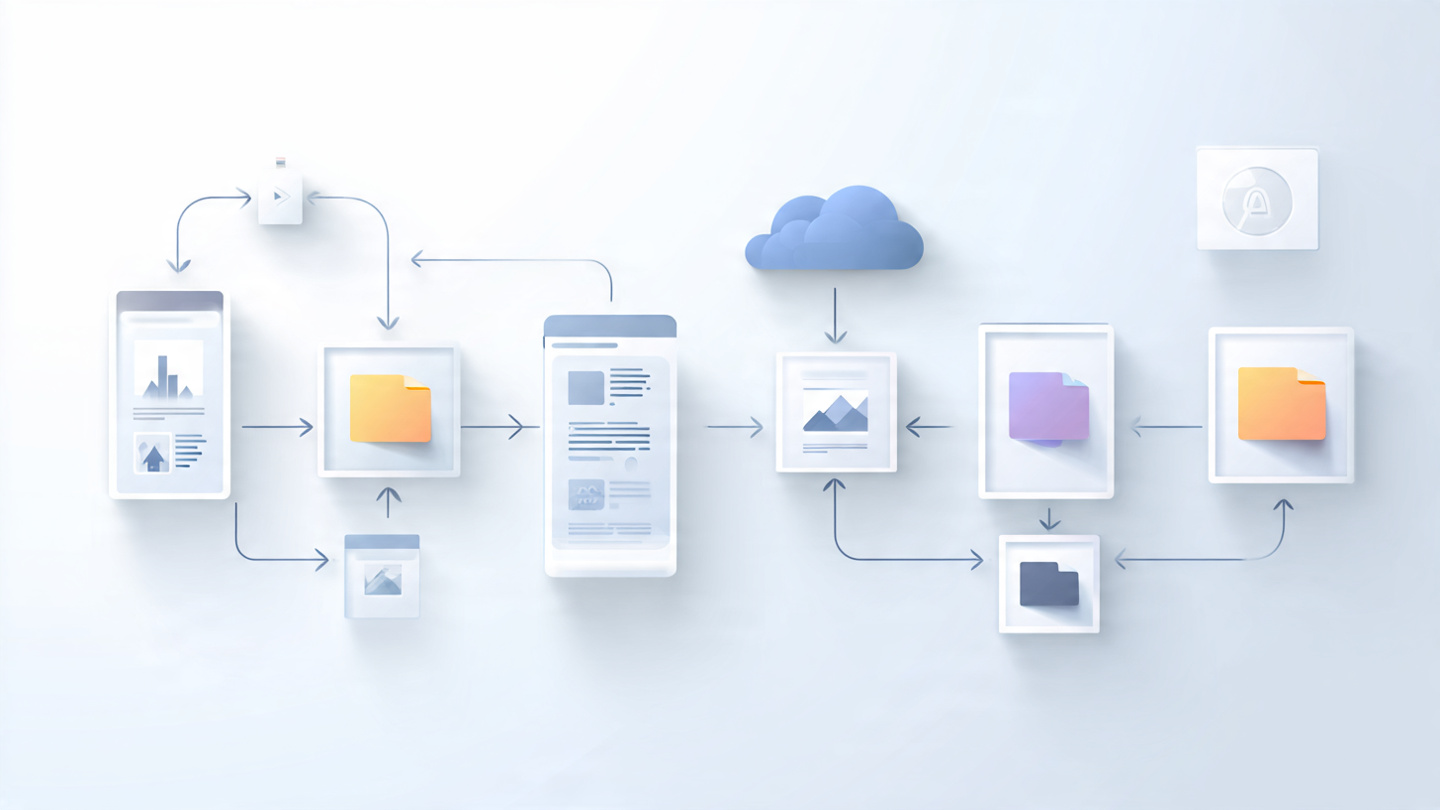
Steps to convert Image

Practical Use Cases for Converting Images

Specific formats serve specific needs. Here are common reasons to change file extensions:

Require Transparency

Convert JPG to PNG to support transparent backgrounds essential for logos and overlays.

Next-Gen Web Performance

Convert older PNG/JPG formats to WebP to drastically decrease payload sizes for speedy websites.

Standardize Delivery

Some systems only accept the ubiquitous JPG format—convert any odd files before uploading.

Save Space Easily

Skip bulky formats for simple everyday photo sharing via email or messaging apps.

Pro Tips & Troubleshooting

  • Why did I lose my transparent background? JPG files physically do not support transparency. If you convert a transparent PNG to JPG, it will fill the background with white or black.
  • Quality Control: When shifting formats to lossy extensions like WebP or JPG, use the quality slider to dial in the perfect look.
  • Browser Processing: The conversion logic uses your built-in browser engine to decode and re-encode the pixels without server lag.
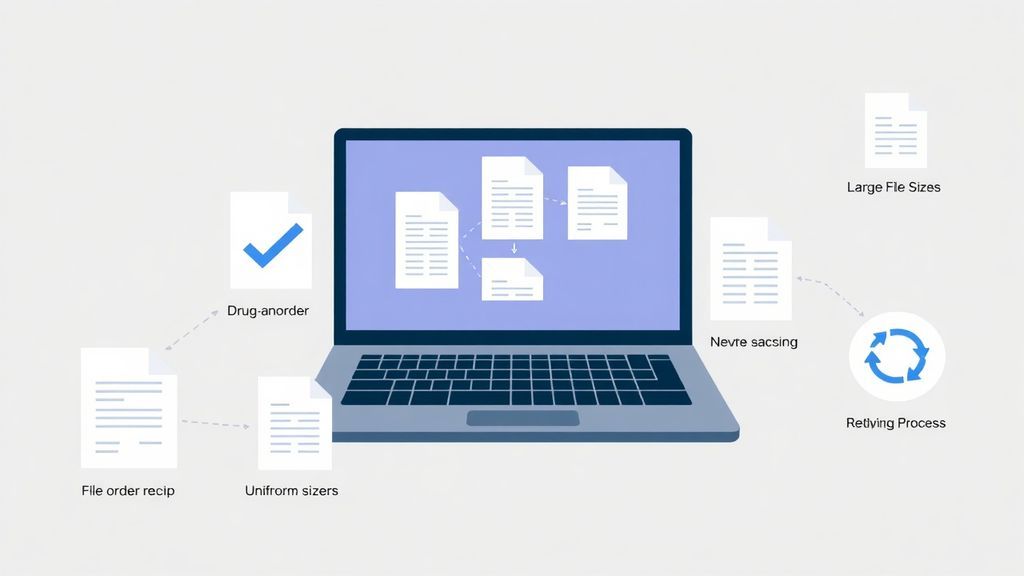
Image Conversion Tips

Core Benefits of Format Conversion

  • Maximum Compatibility: Ensure your recipient can actually view the image on their legacy device.
  • Web Optimization: Modern formats like WebP offer superior compression capabilities.
  • Creative Needs: Swap between pixel-perfect lossless formats to highly-efficient lossy ones on a whim.

Total Photographic Privacy

Don't trust traditional cloud services with your personal family photos or unreleased business assets. Our tool redraws your image into the new format directly within your web browser. This guarantees your private imagery never leaves your physical device and never touches our servers.

Frequently Asked Questions

Everything you need to know about changing Image formats securely.

Use JPG for regular photos to save space. Use PNG when you have graphics, text, or transparent backgrounds. Use WebP if you want the smallest possible files for modern web delivery.

No, a format conversion strictly rewrites how the pixel data is saved to a file. The physical height and width (dimensions) of the image remain 100% identical.

Yes! Because our integration utilizes local browser processing via the HTML Canvas API, the file conversion happens completely offline on your device. We do not upload, scan, or log any images.

Explore More Features

Looking to reduce file size purely through compression? Try our Compress Image tool or explore the rest of our suite at sellooo.com to simplify your digital workflows.