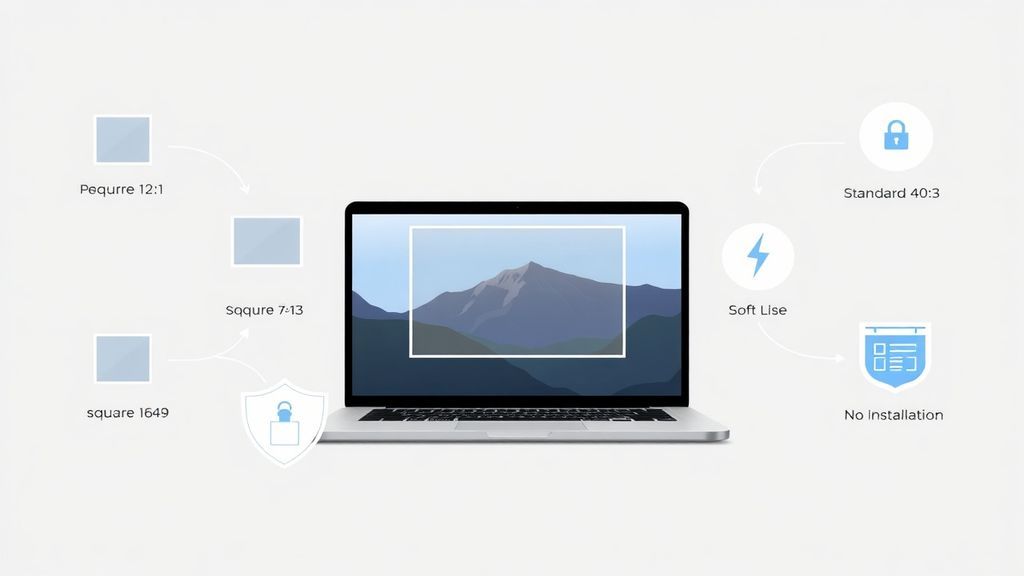
Select an area and crop your image to the perfect size. Optimized for social media and web profiles.
Make your image files more focused, distraction-free, and beautifully framed with our free online Crop Image tool. Cut out unwanted areas from JPEGs, PNGs, and WebPs flawlessly for profile pictures, hero banners, and tight layouts.
Whether you need to turn a wide photography shot into a square portrait, remove a photobomber, or extract a specific element from a graphic, our tool provides precise cropping with optimal visual fidelity—all from directly within your browser.
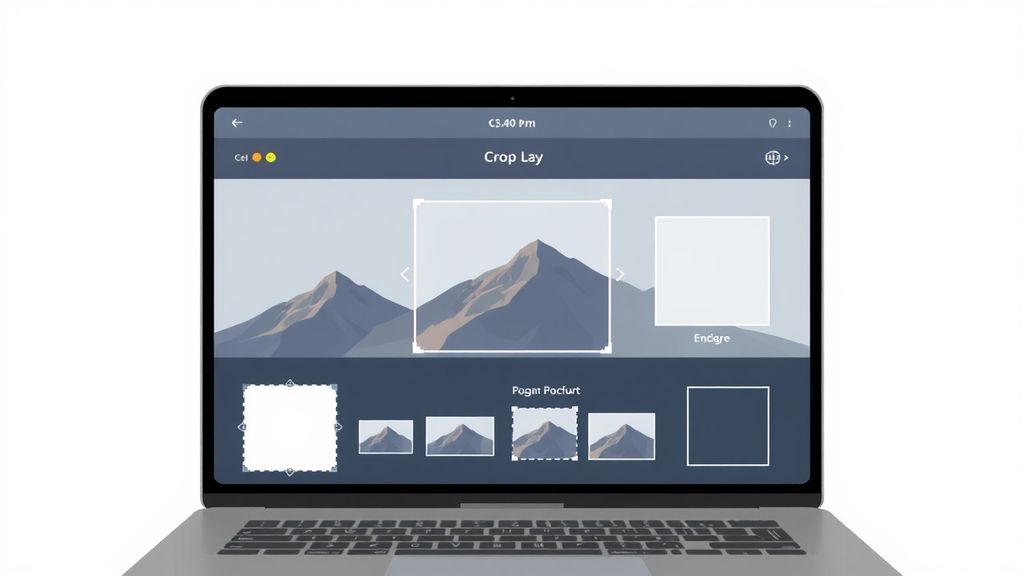
Start framing your images perfectly today!
A great composition makes all the difference. Here are common reasons to crop your images:
Select perfectly square 1:1 ratios to isolate your face for LinkedIn, Twitter, or Discord avatars.
Cut out photobombing strangers or messy backgrounds from the edges of your favorite vacation photos.
Snip out the most engaging corner of a large artwork to use as an eye-catching thumbnail.
Change portrait photos into landscape 16:9 banners to properly slot them into website hero sections.
Don't trust traditional cloud services with your personal family photos or unreleased business assets. Our tool crops your images completely inside your web browser. This guarantees your private imagery never leaves your physical device and never touches our servers.
Everything you need to know about cropping images securely.
Looking to reduce file size without cutting out the edges? Try our Compress Image tool or explore the rest of our suite at sellooo.com to simplify your digital workflows.