Resize Image Online

Change the dimensions of your images quickly and easily. Perfect for social media, websites, or emails.

Select Image to Resize

Drag & drop or click to browse (JPG, PNG, WebP)

Resize Image Online – Adjust Dimensions Without Losing Quality

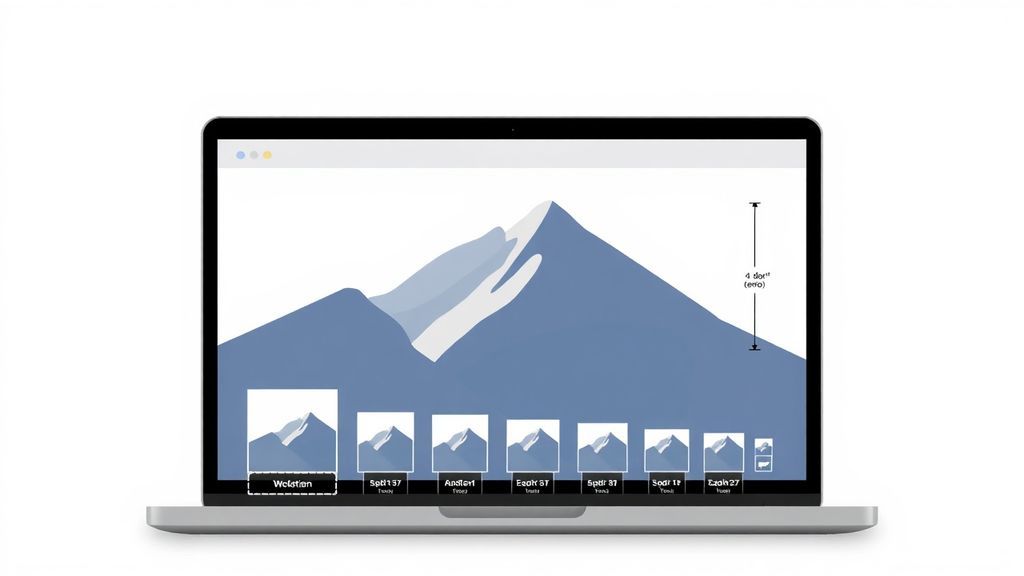
Make your image files precisely the size you need, faster to share, and easier to fit into any layout with our free online Resize Image tool. Adjust the dimensions of JPEGs, PNGs, and WebPs perfectly for social media, email attachments, and web uploads.

Whether you need to resize heavy photography, adjust graphic portfolios, or scale web assets, our tool balances precise dimension control with optimal visual fidelity—all from directly within your browser.
Resize Image Online Tool
Features of Resize Image Tool

Why Use Our Resize Image Tool?

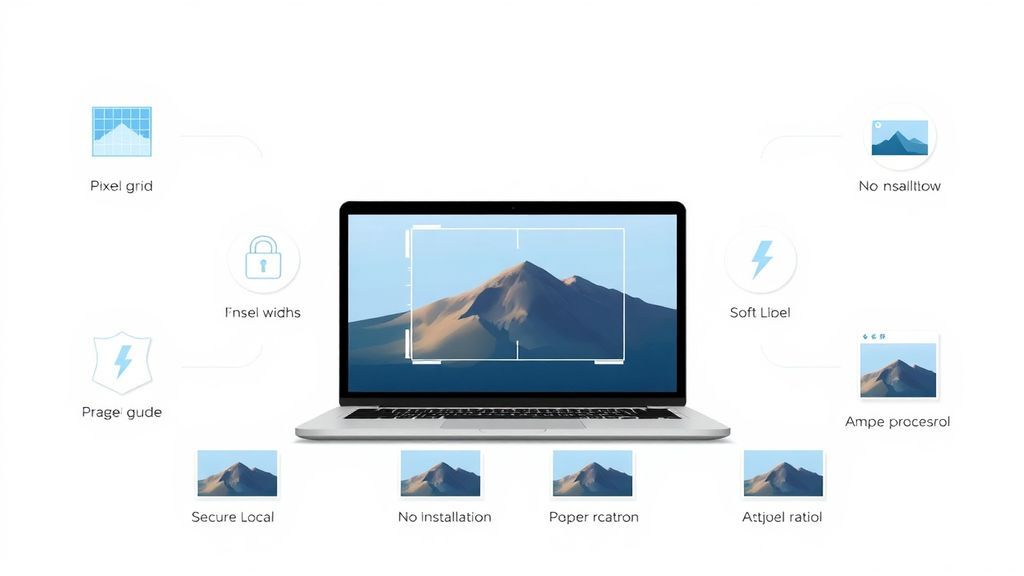
  • Precise Dimensions – Scale files to exact pixel sizes
  • 100% Free – No hidden charges or watermarks
  • Secure Processing – Runs completely in your browser
  • Fast & Easy – Resize in milliseconds
  • No Installation Required – Works instantly
  • Perfect Aspect Ratios – Maintain correct proportions easily

How to Resize an Image File

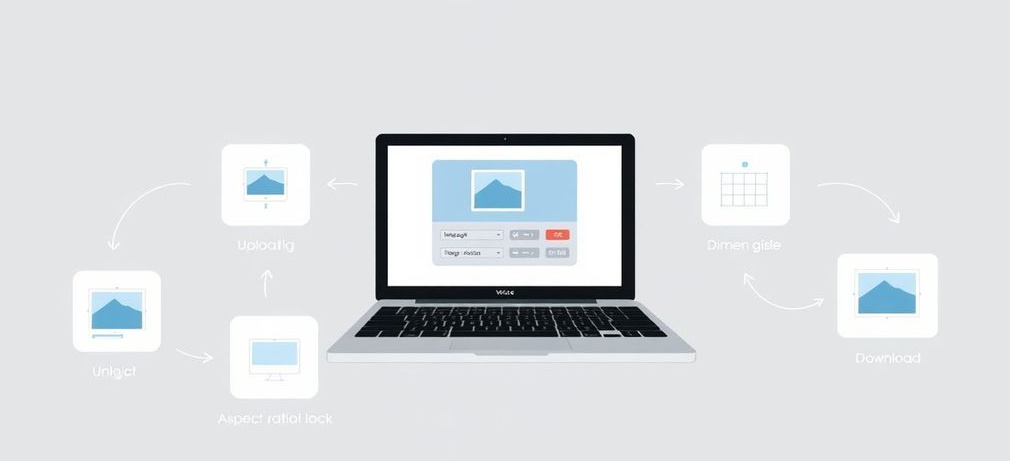
  1. Click the Upload Zone or drag and drop your photo.
  2. Select the image document from your device (JPG, PNG, WebP).
  3. Enter your target dimensions in the Width and Height fields.
  4. Toggle the chain link icon to lock or unlock the aspect ratio.
  5. Click Resize Now to process and download your updated image instantly.

Start adjusting your images for perfect layouts today!

Steps to resize Image

Practical Use Cases for Resizing Images

Properly scaled images make digital communication crisp and fit beautifully into templates. Here are common reasons to resize:

Website Layouts

Ensure profile pictures, banners, and product images fit perfectly within your site's allocated dimensions.

Email Signatures

Scale down logos and headshots so they don't awkwardly stretch or break standard email client formatting.

Social Media Posts

Hit the exact pixel requirements for Instagram squares, Facebook covers, or Twitter headers without ugly auto-cropping.

Document Printing

Adjust images to fit specific inches or centimeters when preparing files for brochures, flyers, and reports.

Pro Tips & Troubleshooting

  • Why did my image become blurry? If you upscale (enlarge) an image heavily beyond its original size, it will lose sharpness. We recommend downscaling only.
  • Aspect Ratio Lock: Always keep the link icon 'locked' if you want to prevent your photo from looking stretched or squished.
  • Browser Capability: Our resizing technology utilizes smart canvas scaling built right into your browser, offering excellent speed.
Image Resizing Tips

Core Benefits of Image Resizing

  • Platform Compliance: Never get rejected by profile photo uploaders again.
  • Improves Page Performance: Feeding exact-sized images to users rather than scaling them via CSS saves bandwidth and computing power.
  • Visual Consistency: Give gallery and grid layouts uniform padding and spacing.

Total Photographic Privacy

Don't trust traditional cloud services with your personal family photos or unreleased business assets. Our tool resizes your image directly within your web browser. This guarantees your private imagery never leaves your physical device and never touches our servers.

Frequently Asked Questions

Everything you need to know about adjusting Image dimensions securely.

Usually, yes. Making dimensions smaller inherently removes pixels, which results in a lighter overall file size alongside the new shape.

Ensure the chain link icon between the Height and Width inputs is enabled. This 'locks' the aspect ratio so when you type a width, the height calculates automatically to stay proportional.

Yes! Because our integration utilizes local browser processing via the HTML Canvas API, the file adjustment happens completely offline on your device. We do not upload, scan, or log any images.

Explore More Features

Looking to reduce file size instead of dimensions? Try our Compress Image tool or explore the rest of our suite at sellooo.com to simplify your digital workflows.